Free instant sticker · Optional pack generation
Turn Your Photo into a Sticker — Free & Instant
One photo becomes a browser-local sticker first, then a 16-expression pack with the same face for WhatsApp, Telegram, and Discord.
The first sticker never leaves your browser.
Sign in only when you generate the full pack.
- Instant transparent PNG: free, processed in your browser, and no account required.
- One account includes 3 shared free 16-expression generations; free ZIP downloads carry a PhotoToSticker watermark.
- USD 5.90 is a one-time purchase to unlock one existing pack or create one additional successful pack. See exact pricing
More than portraits
One photo. Every kind of sticker pack.
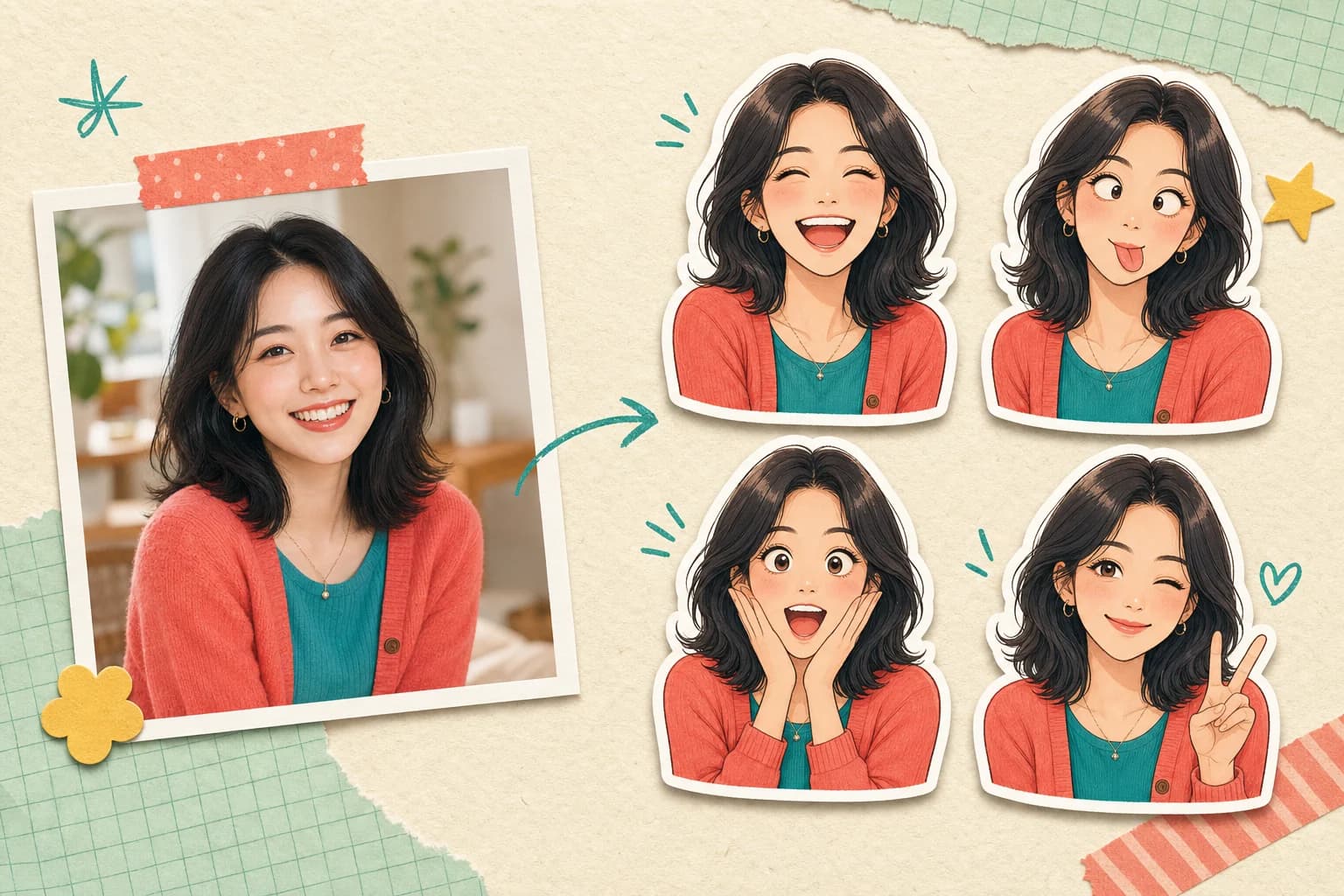
Pets, friend groups, and creators keep their recognizable details while the reactions do the talking.
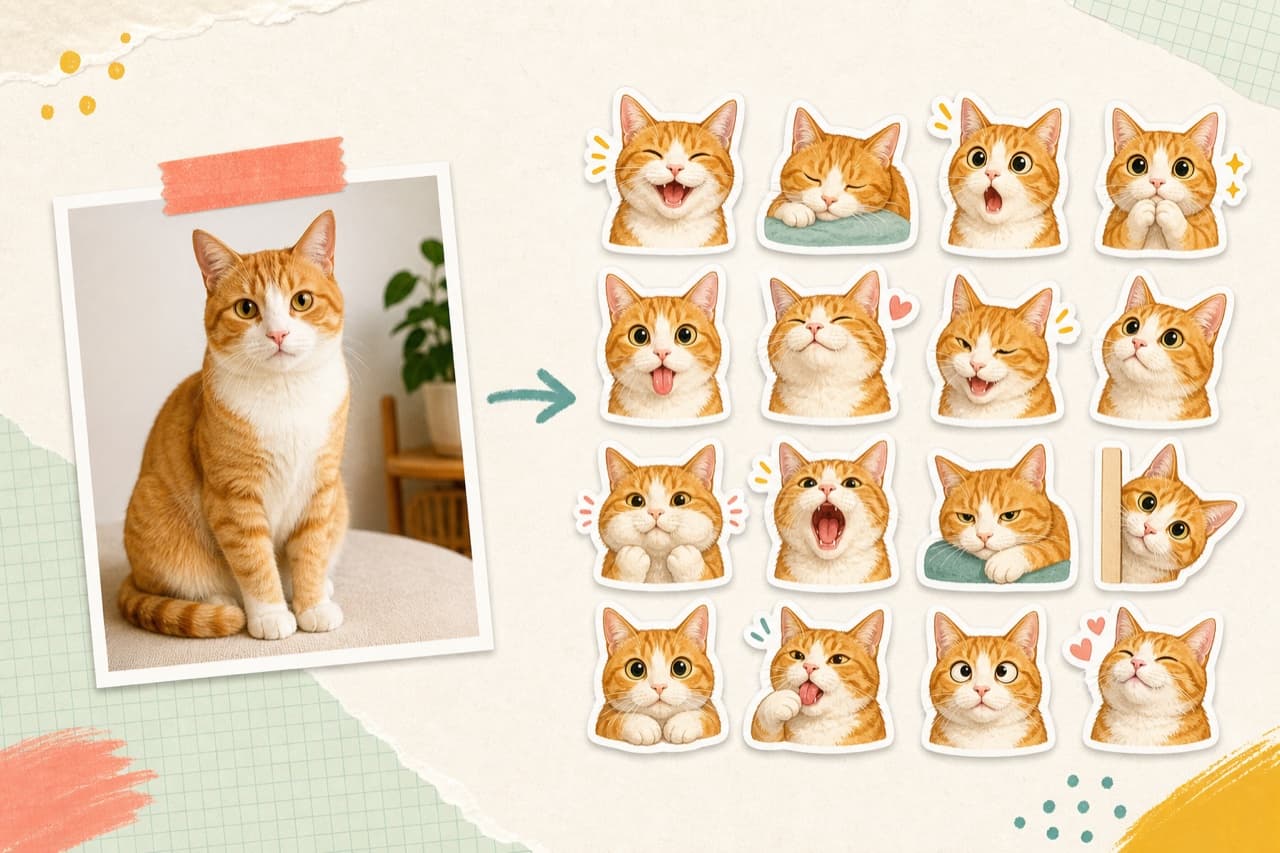
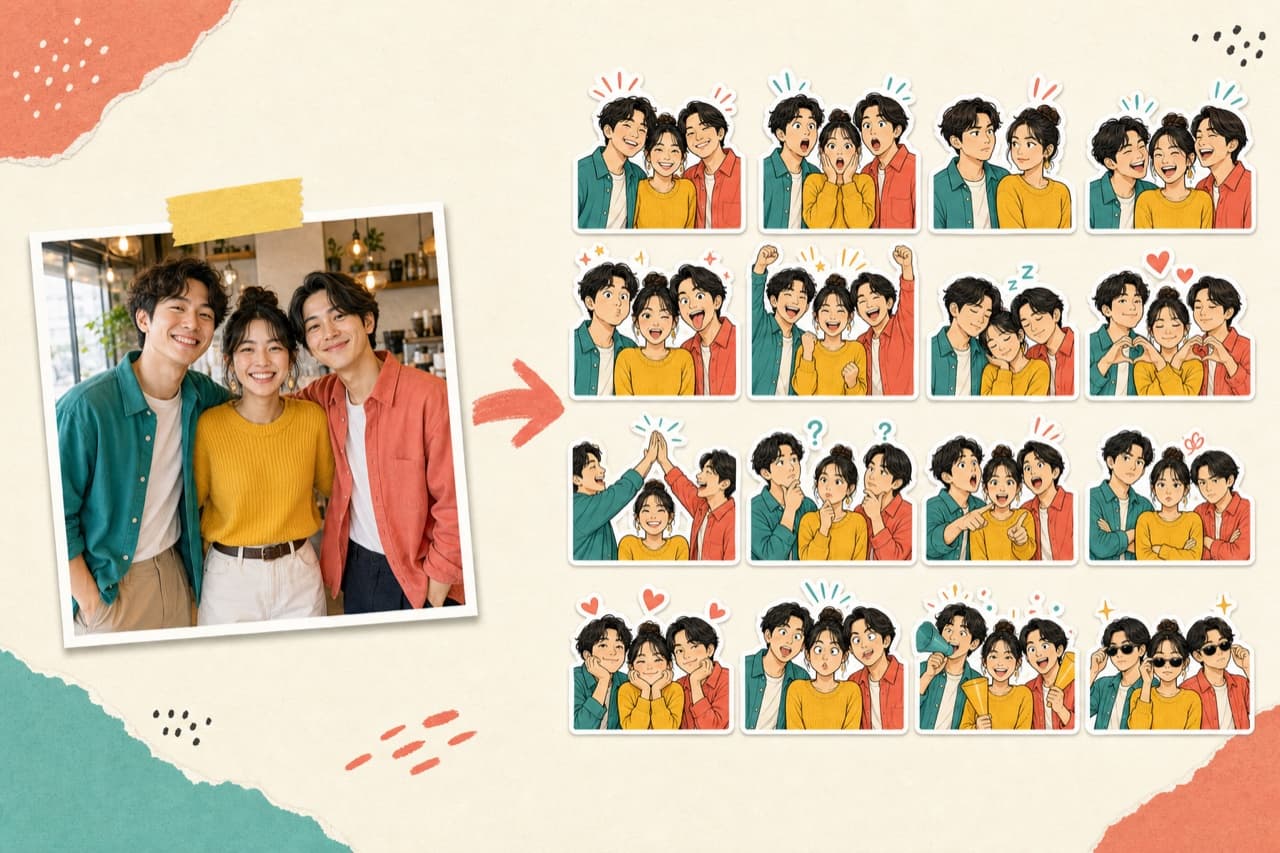
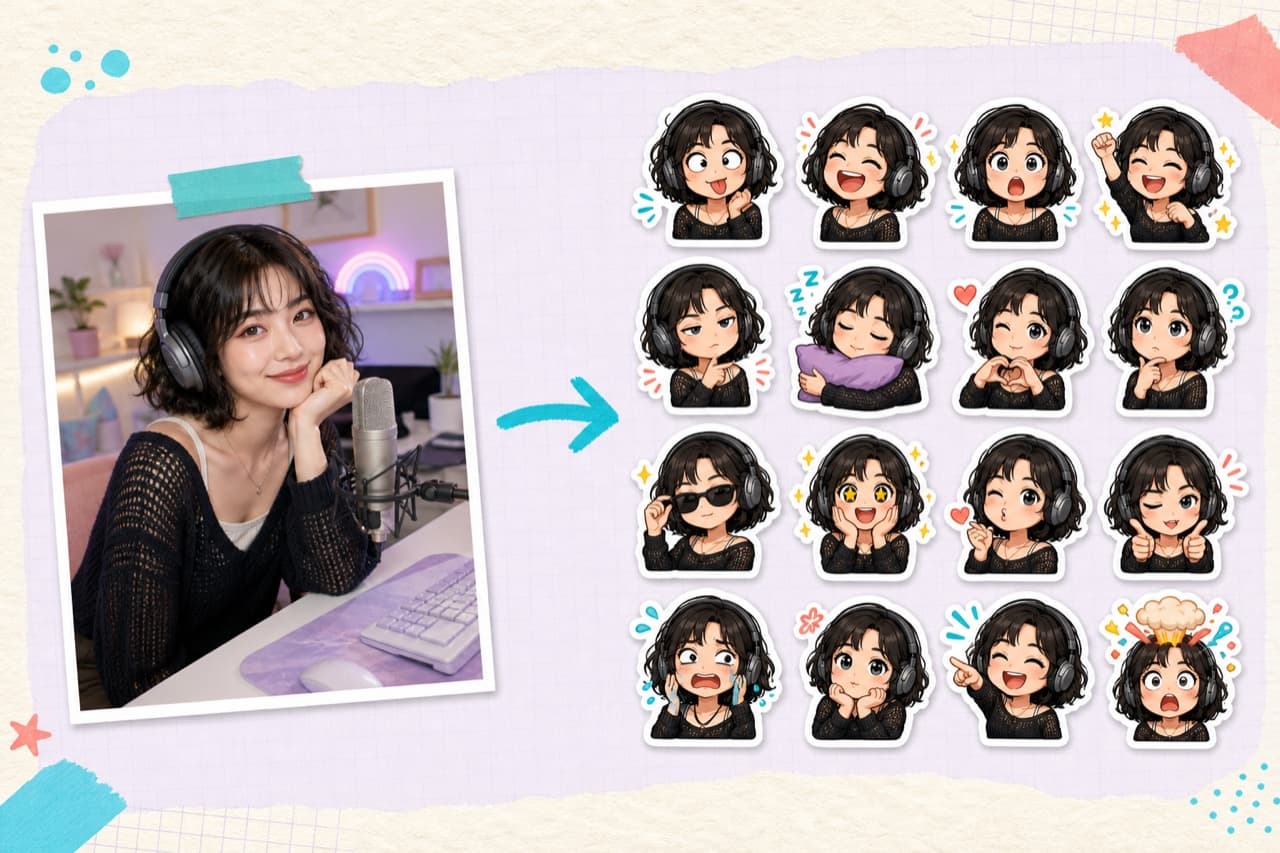
One familiar face, a complete reaction set
From photo to sticker pack in one clear flow
Keep the subject recognizable while the sticker treatment adds a crisp outline and a family of expressive poses.
- Choose the sourceStart with one clear portrait, pet, or character photo.
- Shape the stickerPreview a clean cutout with a crisp white border.
- Build the reactionsArrange one recognizable subject into sixteen moods.
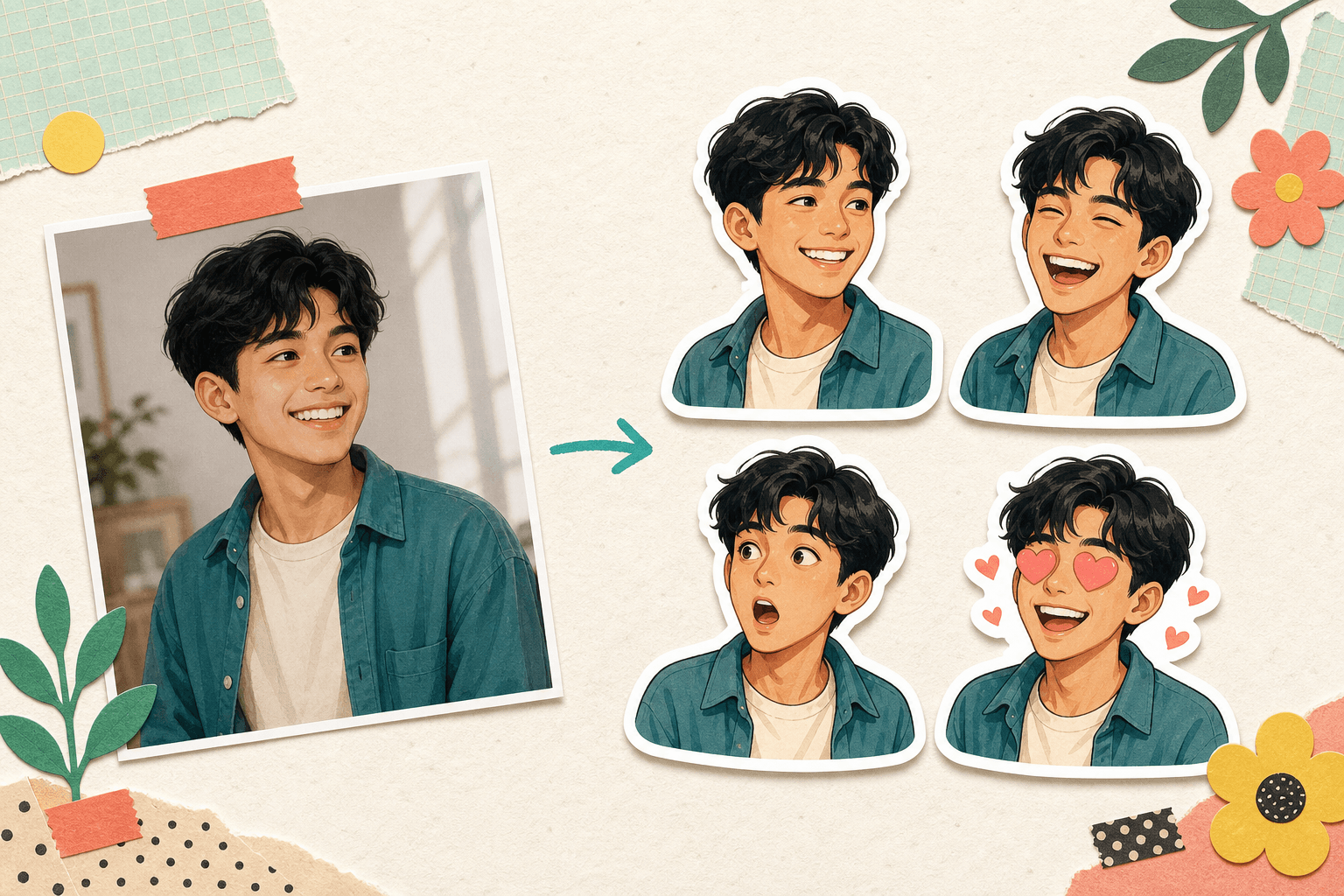
Three simple steps
Make a personal pack without a complicated editor
The studio keeps the path short, from selecting a local photo to previewing platform-ready formats.
- 1
Upload a photo
Pick a JPG, PNG, or WebP image from your device.
- 2
Create the pack
Preview the cutout, white border, and sixteen-expression layout.
- 3
Export anywhere
Check format concepts for chats, communities, streams, and print.
A reaction for every conversation
Sixteen moods, one unmistakable character
A balanced pack covers the reactions people reach for most, while consistent shape, color, and white borders make every sticker feel related.
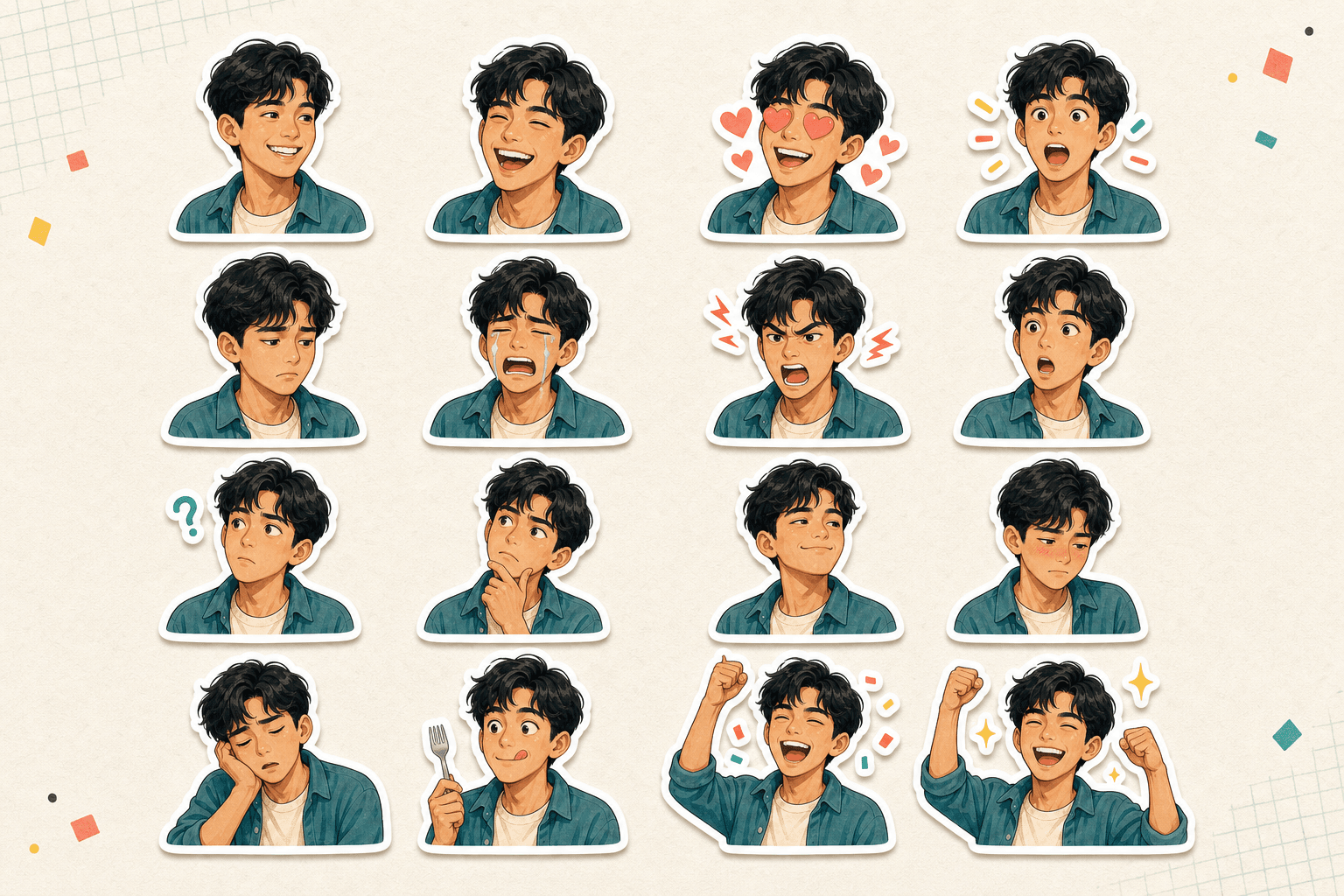
- Smiling
- Big laugh
- Laughing tears
- Heart eyes
- Cross-eyed cute
- Puffed cheeks
- Tongue out
- Side-eye
- Wink
- Blushing
- Angry
- Shocked
- Confused
- Smug
- Celebrate
- Mind blown
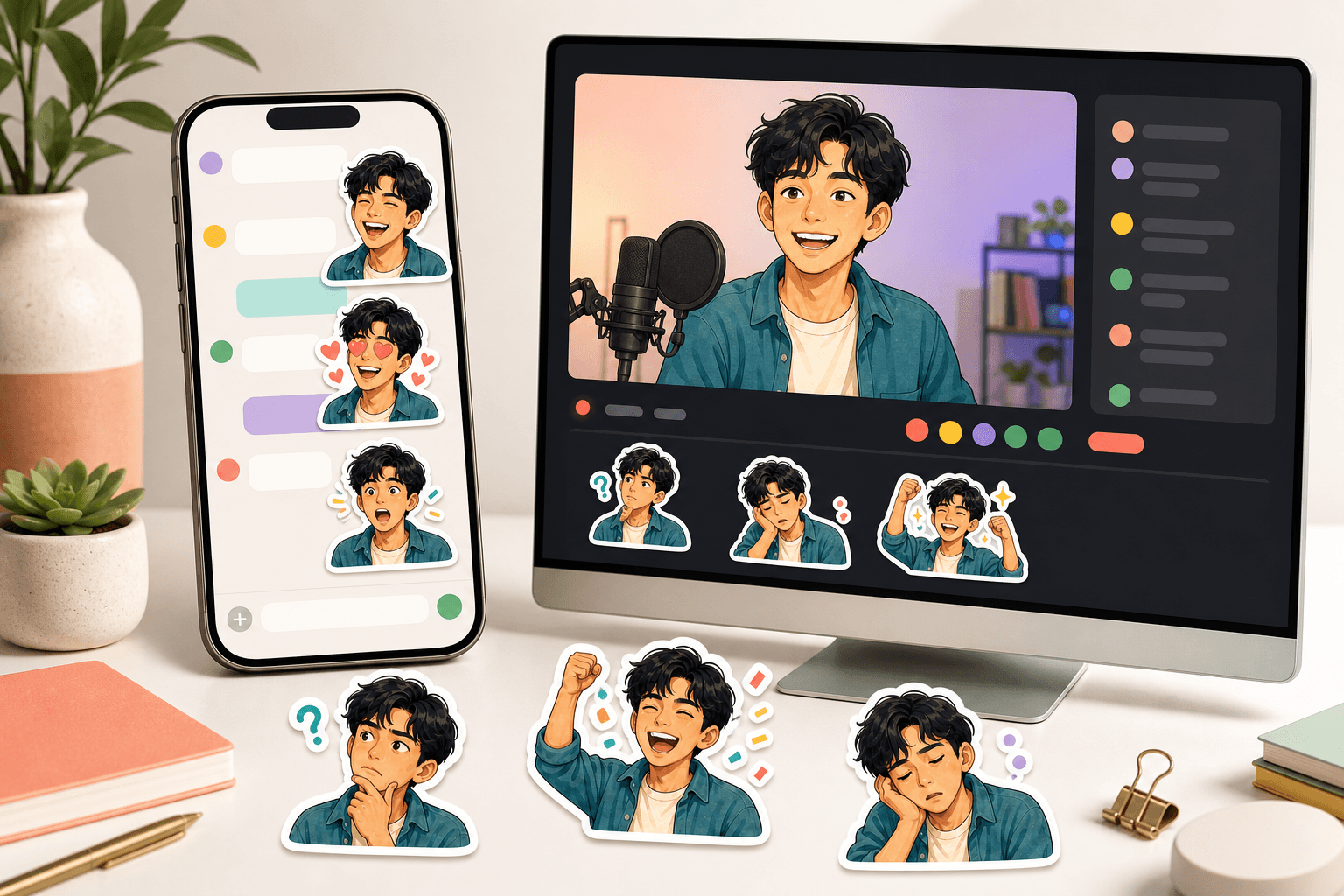
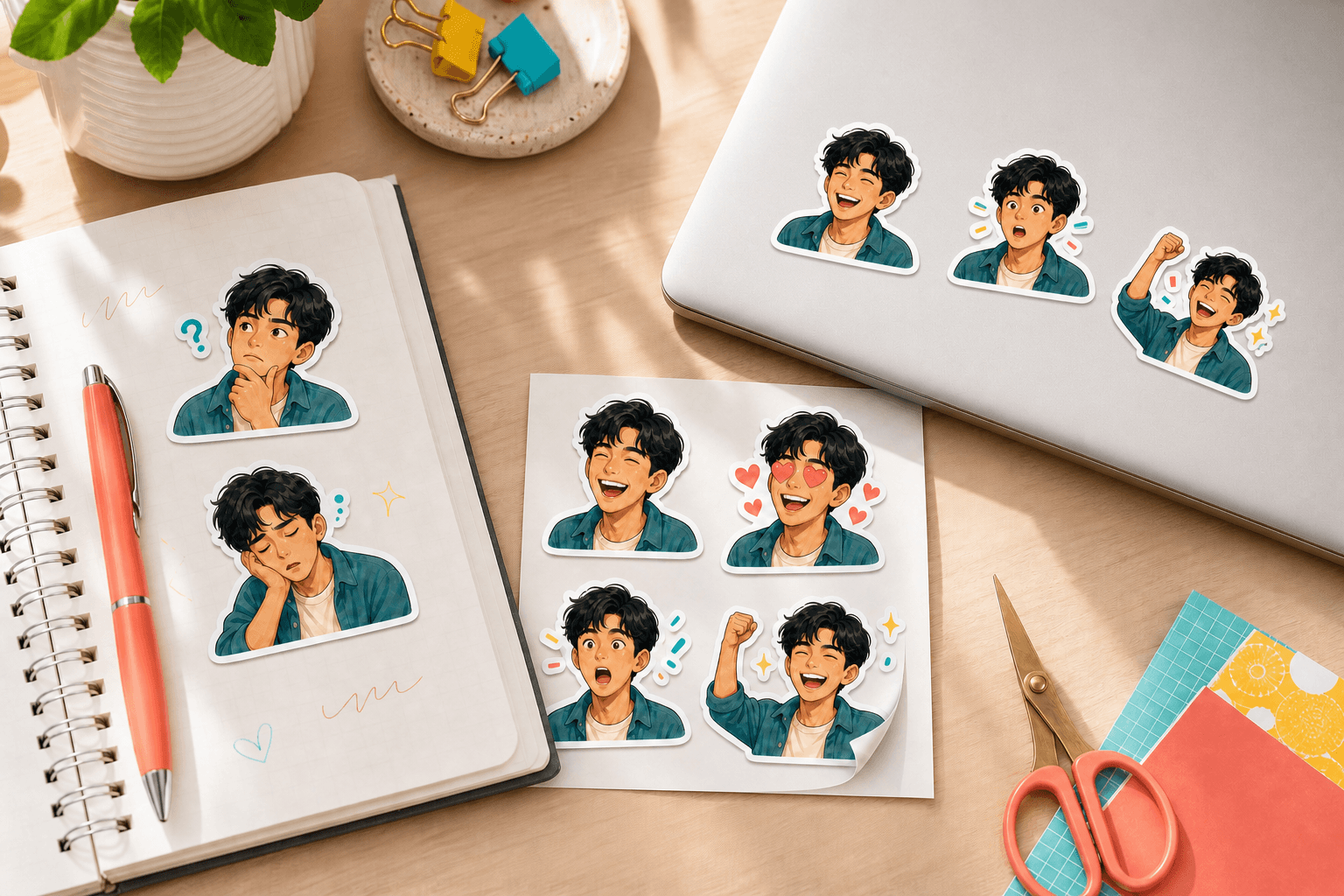
Distinct poses make a pack useful for everyday replies and longer stories.
From screen to real life
Use personal stickers wherever you express yourself
Keep quick reactions close in group chats and creator communities, or bring the same character into notebooks and laptop decorations.
- Chat repliesGive WhatsApp and Telegram conversations a familiar face.
- Communities and streamsShape recognizable Discord stickers and Twitch emotes.Avatar Maker portraitsEmoji Maker reactionsTwitch emotes
- Notebooks and journalsTurn favorite reactions into printable page accents.
- Laptop stickersCarry the character into a physical sticker sheet.
Popular ways to create
Choose the tool that matches the sticker you need
Each focused workflow starts from a photo and explains the output it is designed to make.
Clear about privacy and output
A local preview with practical format guidance
Create the instant sticker in your browser. Your photo is uploaded only after you sign in and explicitly start full-pack generation.
Browser-local instant sticker
Background removal, outline preview, and the first PNG stay on this device.
Generation only when requested
The full pack is sent to the configured image model only after your explicit action.
Platform-ready downloads
- WhatsApp512 × 512 · WebP
- Telegram512 × 512 · PNG
- Discord320 × 320 · PNG
- Twitch28 / 56 / 112 px · PNG
Generated packs download as platform-sized files with a localized import guide.
Useful details
Questions before you make a pack
How local processing, pack generation, and platform downloads work.
Does my photo leave the browser?
The instant sticker stays in your browser. Your compressed source photo is uploaded only after you sign in and choose to generate a full expression pack.
Does the studio generate real stickers yet?
Yes. After sign-in, the image model uses your source photo as a reference to create one matching expression grid, which is then cut into individual sticker files.
Which photo formats can I choose?
The studio accepts JPG, PNG, WebP, and HEIC images up to 15 MB. Native HEIC files that a browser cannot decode will ask you to choose another format.
What kind of source photo works best?
Choose a sharp, well-lit image with one clear subject and enough space around the face or object.
Can I publish directly to sticker platforms?
Direct publishing is not available. The selected platform downloads a real ZIP containing correctly sized stickers and an import guide.
What is included for free?
Instant stickers are free and unlimited. A Google account includes three free generated packs, with one watermarked platform ZIP per pack.
Your reactions, made personal
Start with one photo you already love
Open the studio above and see how a familiar face can become a complete reaction pack.